

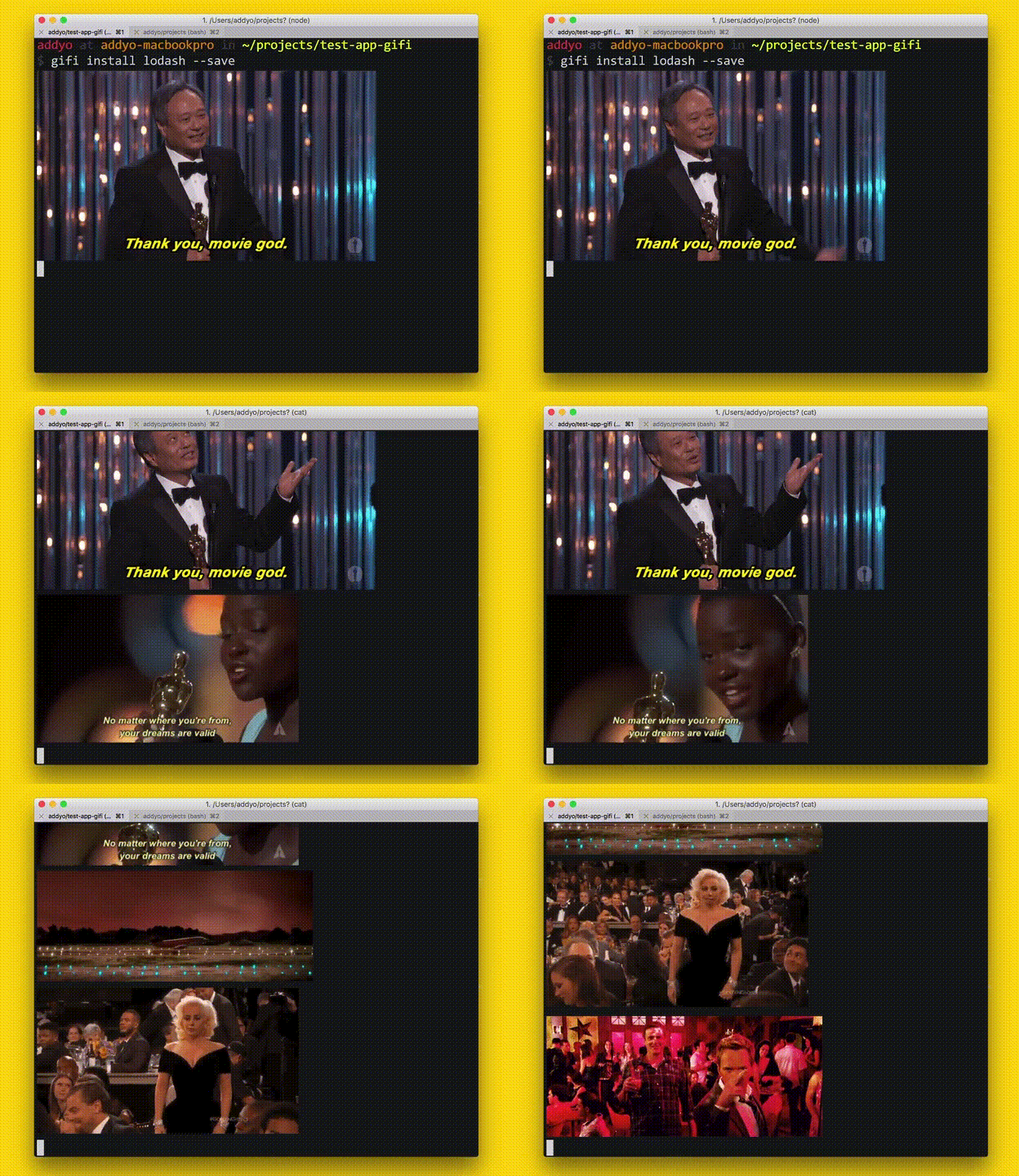
So, it works exactly as advertised, watch GIFs right in your terminal while npm install is running.
Note: Currently, GIFs are only displayed inline for users of iTerm2 using version 2.9 or greater. If you are not using a supported version of iTerm2, GIFs will open in your default browser.
$ npm install gifi --global
Replace npm with gifi and you're done:
$ gifi install koa --save
Alias npm to gifi and you're golden, npm install will never be boring again.
As a matter of fact, after using gifi you'll want npm install to be slower, because
you don't have enough time to watch all those great GIFs.
Add this to ~/.bashrc or ~/.zshrc:
alias npm=gifi
MIT © Vadim Demedes