



Tab through previous answer history.
Persist answers
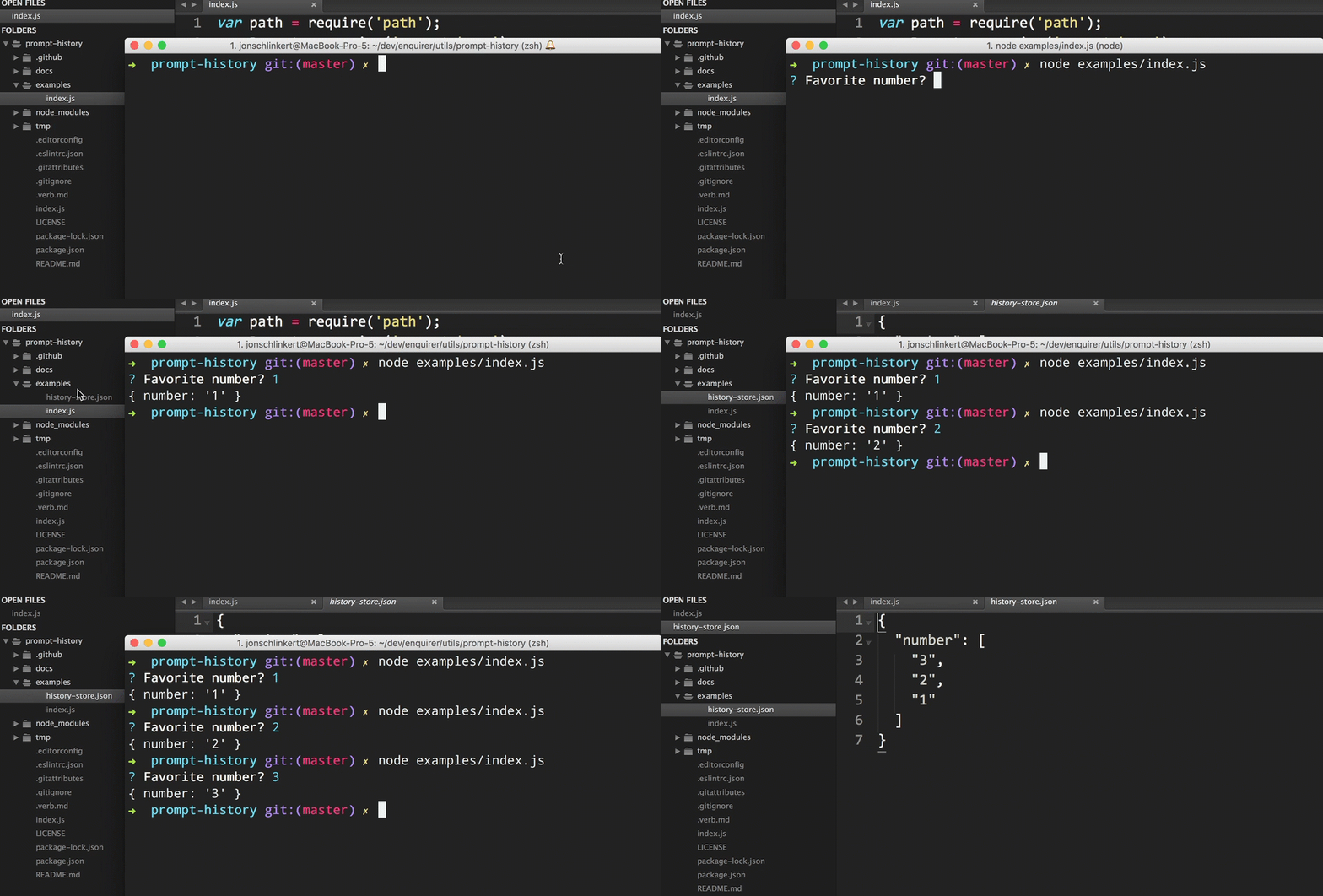
Tab through answer history
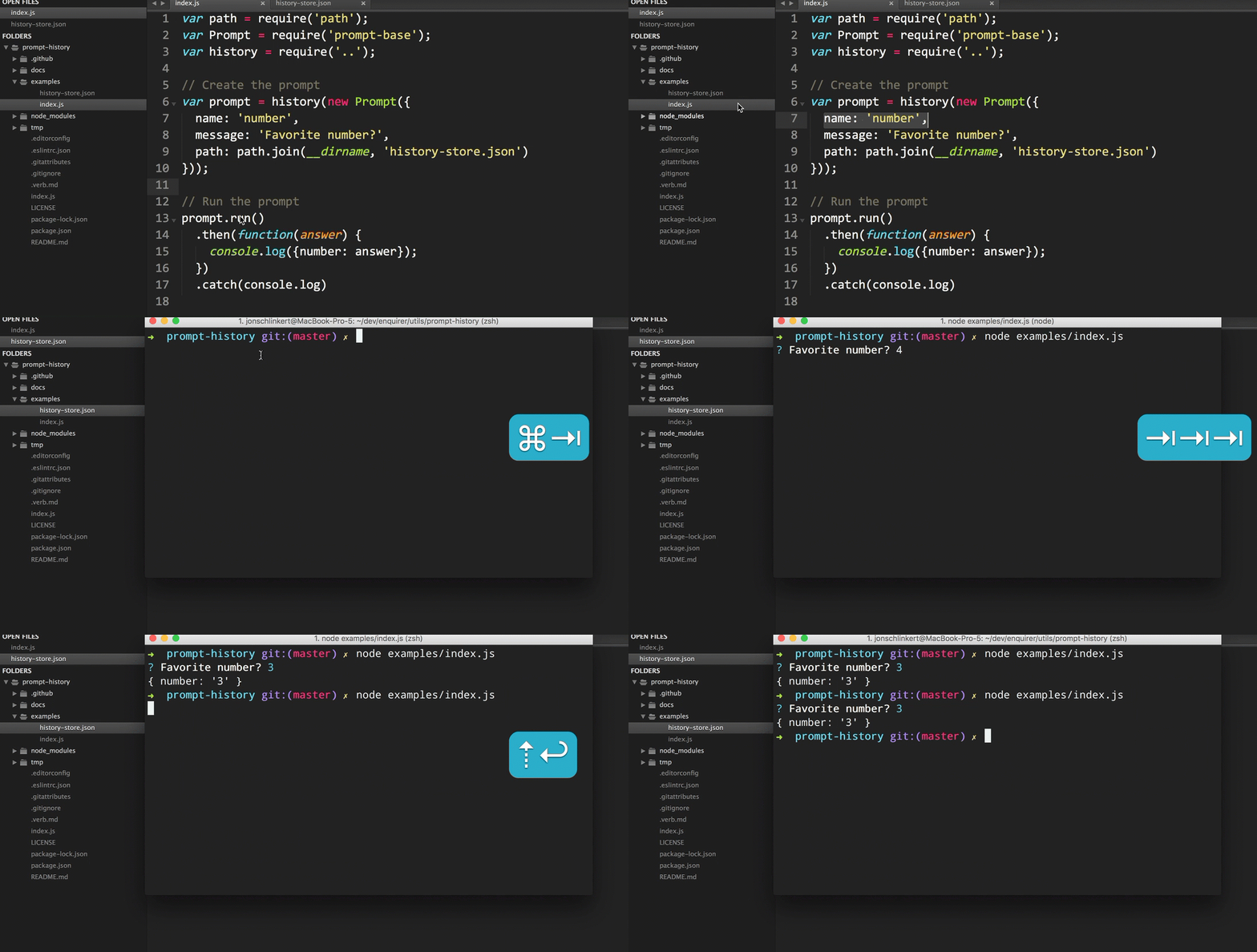
Install with npm:
$ npm install prompt-history
History can only be used with "text" prompts. This will not work with checkbox, list, radio prompts, etc.
var Prompt = require('prompt-base');
var history = require('prompt-history');

// pass the prompt instance to "history()"
var prompt = history(new Prompt({
  name: 'number',
  message: 'Favorite number?',
}));

prompt.run()
  .then(function(answer) {
    console.log({number: answer});
  })
  .catch(console.log)
How it works
Limit the number of answers to persist in the history array.
Type: number
Default: Infinity
Example
var prompt = history(new Prompt({
  name: 'number',
  message: 'Favorite number?',
  historyLimit: 10
}));
Required: Customize the filepath for the persisted history store.
Type: string
Default: ~/.data-store/prompt-history.json
Example
var path = require('path');
var prompt = history(new Prompt({
  name: 'number',
  message: 'Favorite number?',
  path: path.join(__dirname, 'custom-store-path.json')
}));
Pass a custom instance of data-store for persisting answers.
Type: object
Default: instance of data-store
Example
var Store = require('data-store');
var store = new Store('custom-name');

var prompt = history(new Prompt({
  name: 'number',
  message: 'Favorite number?',
  store: store
}));
See data-store for all available features and options.
Pull requests and stars are always welcome. For bugs and feature requests, please create an issue.
Please read the contributing guide for advice on opening issues, pull requests, and coding standards.
Running and reviewing unit tests is a great way to get familiarized with a library and its API. You can install dependencies and run tests with the following command:
$ npm install && npm test
Brian Woodward
Copyright © 2017, Brian Woodward. Released under the MIT License.
This file was generated by verb-generate-readme, v0.6.0, on June 04, 2017.