

Update appveyor.yml based on preferences.



(TOC generated by verb using markdown-toc)
Update is a new, open-source developer framework for automating updates of any kind to code projects. All actual updating is done plugins called "updaters", like this one.
Updaters can be run from the command line when Update's CLI is installed globally, or they can be used as building blocks for creating other updaters.
For more information:
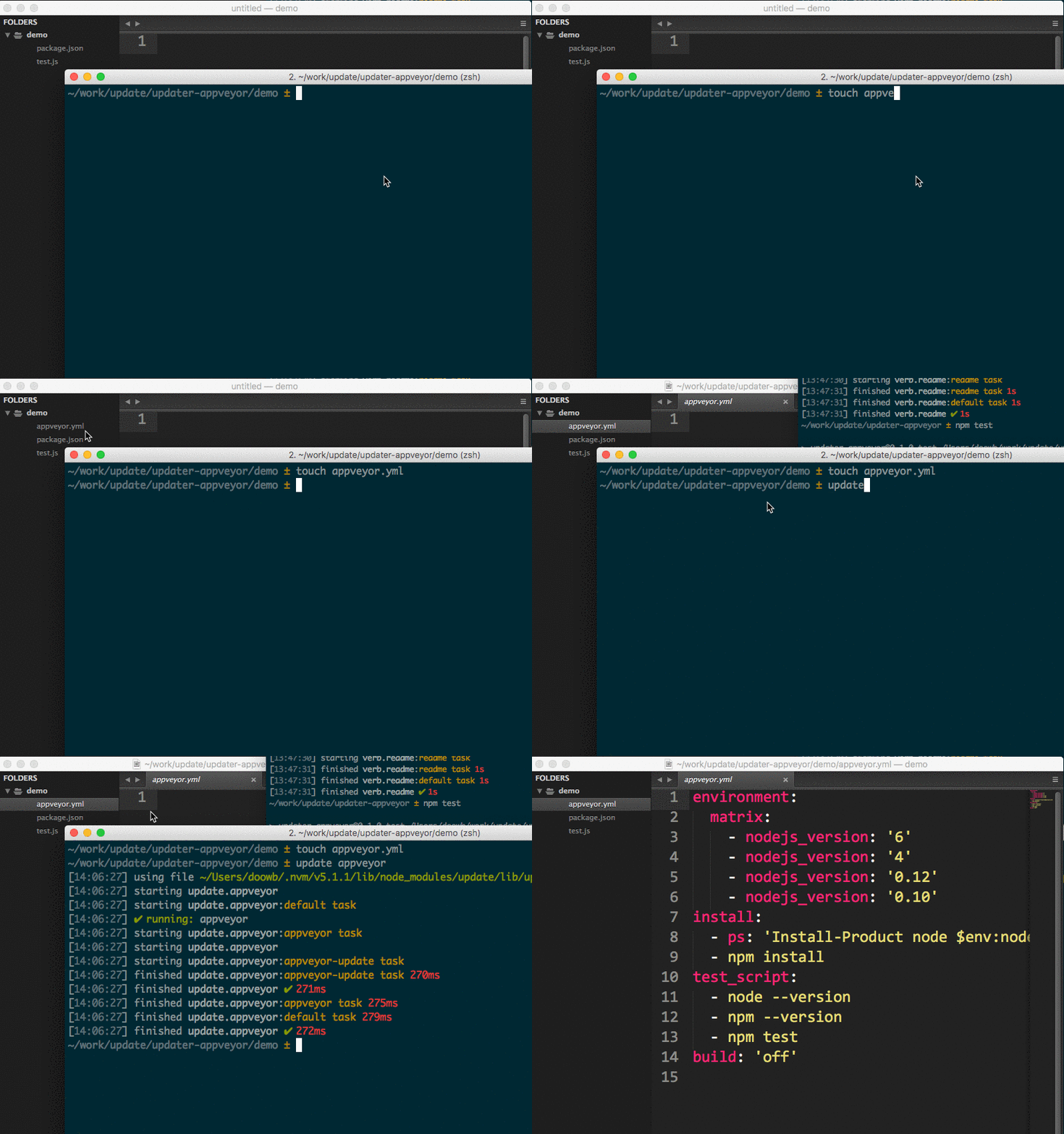
Most updaters do one specific thing. This updater adds an appveyor.yml file or replaces the appveyor.yml file in the current working directory using a template defined by you in ~/templates/appveyor.yml (user home on your system), or the generic template in this project's templates directory.
Installing the CLI
To run updater-appveyor from the command line, you'll need to install Update globally first. You can do that now with the following command:
$ npm install --global update
This adds the update command to your system path, allowing it to be run from any directory.
Install updater-appveyor
Install this module with the following command:
$ npm install --global updater-appveyor
Make sure your work is committed, then run the updater's default task with the following command:
$ update appveyor
What will happen?
Upon running $ update appveyor command, this updater's default task will be executed, which replaces the appveyor.yml file in the cwd with the ~/templates/appveyor.yml template defined by you, or the default templates found in templates/appveyor.yml in this repository.
Visit the documentation for tasks.
.editorconfig in the current working directory using a template defined by… more | homepage.eslintrc.json file based on a template and preferences. This updater can be used… more | homepageLICENSE file. | homepageAre you using Update in your project? Have you published an updater and want to share your Update project with the world?
Here are some suggestions!
#updatejs (not @)updater-appveyorupdatejs tag in questions)updateupdater to package.json.Pull requests and stars are always welcome. For bugs and feature requests, please create an issue.
Please read the contributing guide for avice on opening issues, pull requests, and coding standards.
Install dev dependencies:
$ npm install -d && npm test
Brian Woodward
Copyright © 2016, Brian Woodward. Released under the MIT license.
This file was generated by verb-generate-readme, v0.2.0, on December 15, 2016.