




Update a package.json based on globally stored preferences.
{{#block "logo"}}

{{/block}}
{{#block "community" heading="### Community"}} Are you using Update in your project? Have you published an updater and want to share your Update project with the world?
Here are some suggestions!
#updatejs (not @)updater-packageupdatejs tag in questions)updateupdater to package.json.{{/block}}
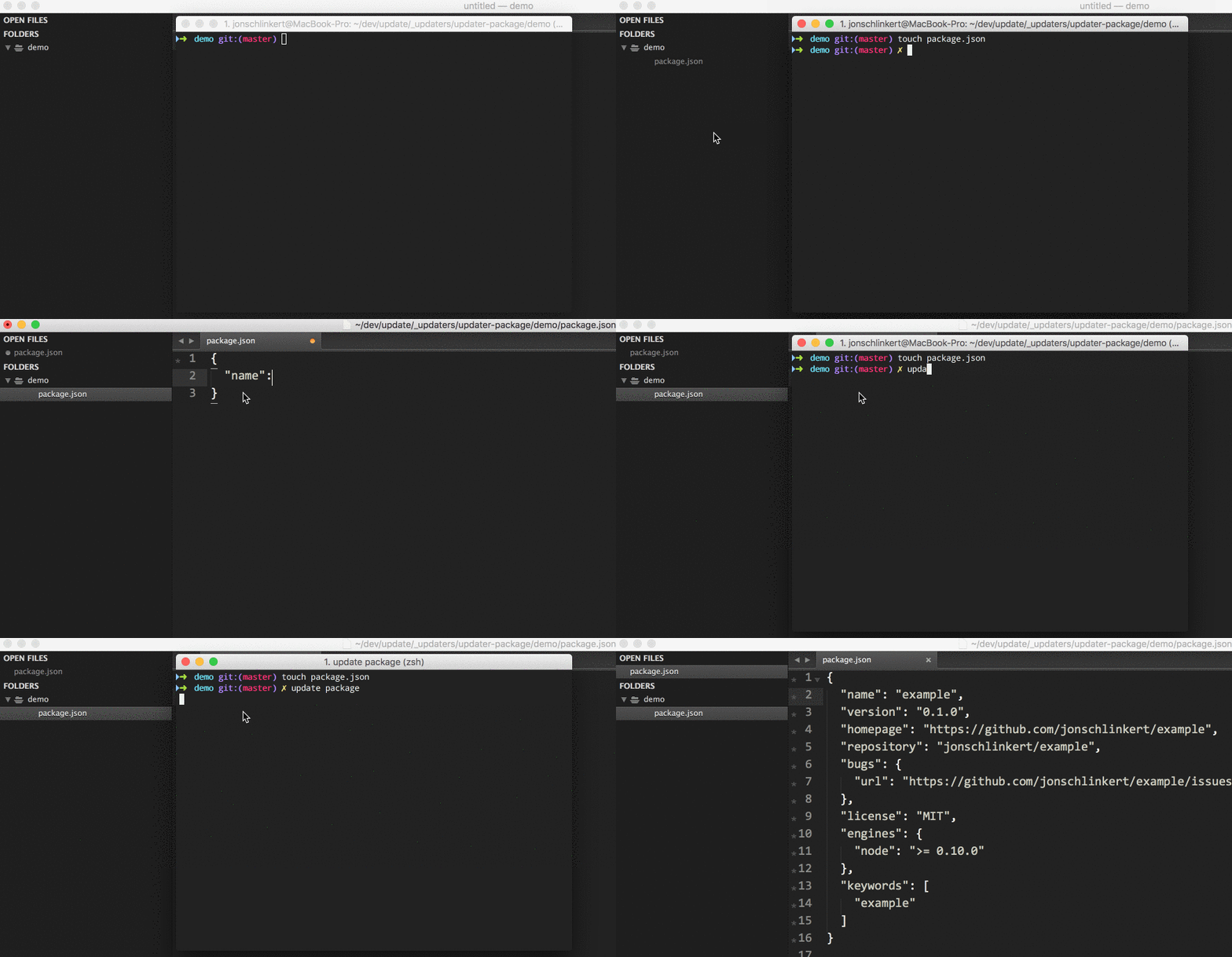
Most updaters do one specific thing. This updater updates package.json in the current working directory using normalize-pkg.
Installing the CLI
To run updater-package from the command line, you'll need to install Update globally first. You can do that now with the following command:
$ npm install --global update
This adds the update command to your system path, allowing it to be run from any directory.
Install updater-package
Install this module with the following command:
$ npm install --global updater-package
Make sure your work is committed, then run the updater's default task with the following command:
$ update package
What will happen?
Upon running $ update package command, this updater's default task will update the package.json in the current working directory using the default settings and schema in normalize-pkg.
Learn how to automatically run this updater with the update command.
Visit the documentation for tasks.
Bugfixes
.eslintrc.json file based on a template and preferences. This updater can be used… more | homepageLICENSE file. | homepagePull requests and stars are always welcome. For bugs and feature requests, please create an issue.
Running and reviewing unit tests is a great way to get familiarized with a library and its API. You can install dependencies and run tests with the following command:
$ npm install && npm test
Jon Schlinkert
Copyright © 2017, Jon Schlinkert. Released under the MIT License.
This file was generated by verb-generate-readme, v0.6.0, on May 14, 2017.